
When most business owners hear “AI”, they think of blog writing, ad copy, and social posts. Content is useful, but it is only a small slice of where AI creates commercial value.
For service businesses, the bigger gains often sit in operations: faster response times, cleaner handovers, fewer missed details, better decision support, and less admin drag. In other words, the work that protects margin and improves client experience.
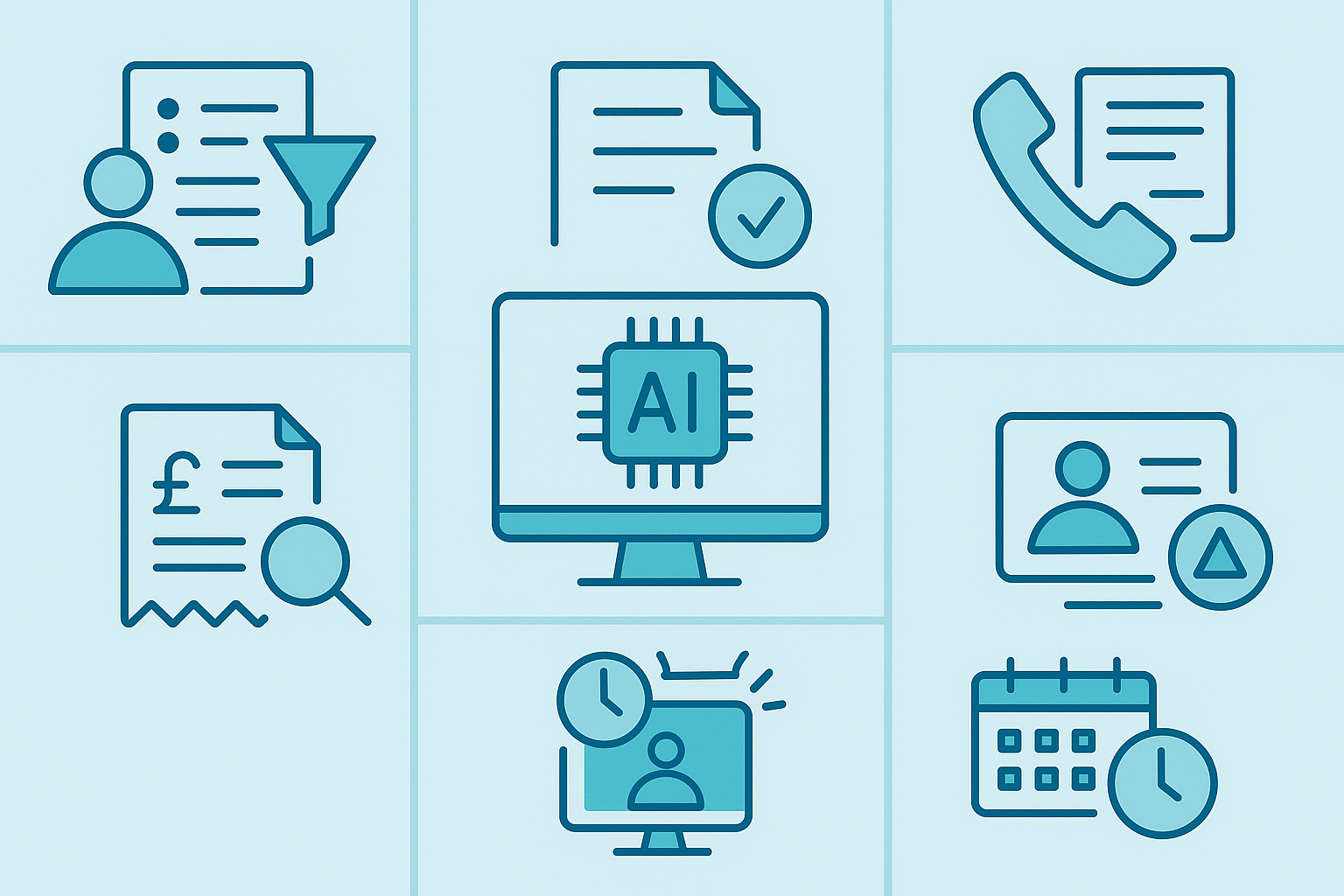
This guide covers seven underrated AI use cases that go beyond content. Each is practical, measurable, and suitable for real teams with real constraints.
If you want to prioritise where to start first, run a quick AI audit so you can choose use cases by impact, effort, and risk instead of guessing.
Why “beyond content” matters for service businesses
Content tools are visible, so they get adopted quickly. But service businesses usually win on reliability and speed of execution, not just output volume. That is why operational AI use cases can produce stronger returns:
- fewer missed follow-ups,
- faster turnaround for clients,
- less repetitive admin,
- higher consistency across teams,
- and better quality control under pressure.
The key is choosing use cases with clear workflows and measurable outcomes.
1) Lead triage and opportunity routing
Many service businesses lose revenue in the gap between enquiry and first meaningful response. Leads come in through forms, emails, WhatsApp, and referrals, then sit in inboxes or get routed inconsistently.
AI can classify enquiries by intent and urgency, extract key details, and route them to the right owner quickly.
Where it helps:
- sorting inbound leads into high, medium, and low intent,
- highlighting missing information before sales follow-up,
- drafting first-response messages for approval,
- reducing delays during busy periods.
Metrics to track: median response time, lead-to-meeting rate, and percentage of leads touched within SLA.
2) Proposal QA and scope-risk checks
Proposal quality is often inconsistent across teams. Important details get missed, language drifts, and scope risk is only spotted after kickoff.
AI can act as a pre-send checker: flagging missing deliverables, unclear timelines, weak assumptions, and risky wording. It does not replace judgement; it improves consistency before the proposal goes out.
Where it helps:
- checking whether key sections are complete,
- spotting ambiguous scope wording,
- comparing against your preferred proposal structure,
- improving quality without adding long review cycles.
Metrics to track: revision rounds, approval speed, and early-stage project change requests linked to unclear scoping.
3) Client call summaries that actually drive action
Most teams already record calls, but summaries are often patchy and action ownership is unclear. That leads to dropped tasks, duplicated work, and weak client confidence.
AI can convert calls into structured outputs: decisions, actions, owners, due dates, and open risks. Done right, this improves delivery rhythm without adding admin burden.
Where it helps:
- producing a consistent post-call action log,
- capturing decisions that would otherwise be missed,
- feeding tasks into your PM tools,
- improving handovers across account teams.
Metrics to track: action completion rate, missed task count, and client follow-up turnaround time.
4) Invoice and billing anomaly detection
Service businesses with multiple retainers, project phases, or usage-based billing often leak margin through small inconsistencies. Manual checks catch some issues, but not all.
AI-assisted checks can flag outliers before invoices are sent: missing billables, unusual discounts, duplicated lines, or pricing mismatches against agreed terms.
Where it helps:
- cross-checking invoices against project records,
- identifying possible underbilling,
- flagging unusual discounts for approval,
- improving confidence before finance release.
Metrics to track: billing corrections after issue, leakage recovered, and invoice cycle time.
5) Churn-risk early warning from service signals
Churn usually starts before cancellation. Slower response times, unresolved recurring issues, lower meeting engagement, and weaker usage patterns often show up weeks earlier.
AI can monitor these signals and provide a practical risk list, helping account teams intervene sooner with targeted action plans.
Where it helps:
- scoring accounts by risk indicators,
- flagging clients needing proactive check-ins,
- suggesting retention actions by account type,
- giving directors better visibility of portfolio health.
Metrics to track: retention rate, expansion revenue from at-risk accounts, and reduction in surprise churn.
6) Scheduling and resource allocation support
Scheduling is not just calendar admin. In service businesses, it affects utilisation, quality, and stress levels. Poor allocation often causes avoidable bottlenecks.
AI can assist planners by recommending slots and resource assignments based on workload, deadlines, and skill fit, while humans keep final control.
Where it helps:
- balancing team capacity against delivery commitments,
- reducing over-allocation of key specialists,
- improving plan quality during peak demand,
- making schedule changes faster and more consistent.
Metrics to track: utilisation stability, deadline hit rate, and emergency rework caused by planning clashes.
7) Internal knowledge retrieval for faster decisions
Most service teams already have answers buried in docs, proposals, SOPs, and old threads. The problem is retrieval speed. People either ask around or start from scratch.
AI-assisted retrieval can surface relevant guidance quickly from approved sources, improving consistency and reducing reinvention.
Where it helps:
- faster onboarding of new team members,
- quicker responses to repeated internal questions,
- better use of existing SOPs and playbooks,
- fewer delivery inconsistencies between teams.
Metrics to track: time-to-answer for internal queries, onboarding speed, and reduction in duplicated effort.

How to choose the right first use case
If you try to launch all seven at once, you will dilute focus and slow results. Start with one use case that is:
- repeated weekly,
- currently painful or slow,
- easy to measure,
- and low-to-moderate risk with human review.
Then run a short pilot with clear ownership and success criteria. If it works, scale. If it does not, adjust quickly or stop.
For implementation support across planning and rollout, use a practical AI services model that combines strategy with delivery.
What not to do
Some common mistakes to avoid:
- starting with tools instead of outcomes,
- automating a messy process without redesigning it,
- measuring activity instead of business impact,
- skipping quality and approval controls,
- assuming one prompt setup will work forever.
A useful reference point for responsible deployment is the UK ICO guidance on AI and data protection: ICO AI guidance.
A simple implementation blueprint (first 6 weeks)
If you want this to stick, keep rollout small and structured. A practical 6-week pattern looks like this:
- Week 1: pick one use case, define owner, baseline KPIs, and risk boundaries.
- Week 2: map workflow steps and identify where AI assists vs where humans approve.
- Week 3: pilot with live-but-limited volume and track quality issues daily.
- Week 4: refine prompts/rules, improve handoffs, and remove repeated failure points.
- Week 5: expand to a wider team segment and train users on the new workflow.
- Week 6: review commercial impact and decide scale, adjust, or stop.
This approach keeps risk low while giving leadership enough evidence to make smart decisions quickly.
How to report ROI without overcomplicating it
Keep reporting focused on outcomes your leadership team already cares about. A lightweight monthly scorecard is enough:
| Category | Primary metric | Why it matters |
|---|---|---|
| Speed | Cycle time per workflow | Shows whether AI is removing bottlenecks |
| Quality | Error/rework rate | Prevents “faster but worse” outcomes |
| Commercial | Revenue protected or hours recovered | Ties adoption to business impact |
| Adoption | Usage by intended team | Confirms workflow is actually being used |
If you need deeper rollout support for cross-system workflows, a scoped AI development services phase can connect these use cases into your day-to-day operating stack.
Leadership checklist before scaling any use case
Before you scale beyond the first pilot, confirm these five points:
- The workflow owner can explain the process clearly in under two minutes.
- Quality is stable, not dependent on one person watching every output.
- Your team has simple written guidance for normal cases and edge cases.
- Monthly reporting links activity to commercial outcomes, not vanity usage numbers.
- You have an explicit rollback path if quality drops.
This small governance layer is what turns “interesting AI experiments” into dependable operating capability.
FAQ
Which of these seven use cases usually delivers value fastest?
Lead triage and call-summary action logs are often quickest because they sit inside existing workflows and are easy to measure.
Do we need a dedicated AI team before trying these use cases?
No. Most service businesses can begin with one accountable owner, clear process mapping, and external support where needed.
How technical does our team need to be to run these use cases?
Not highly technical. The main requirement is operational clarity: who owns the workflow, where review points are, and what success looks like.
How do we avoid risk while moving quickly?
Use human-in-the-loop approvals for client-facing and financial decisions, define data boundaries early, and monitor quality metrics weekly.
Can these use cases work with our existing systems?
Usually yes. Most projects start by integrating with your current CRM, project tools, and comms stack rather than replacing them.
Next step
If you want AI to improve service delivery rather than just produce more content, start with one operational use case and measure it properly. We can help you select the right first pilot, define controls, and implement with confidence through our contact page.